
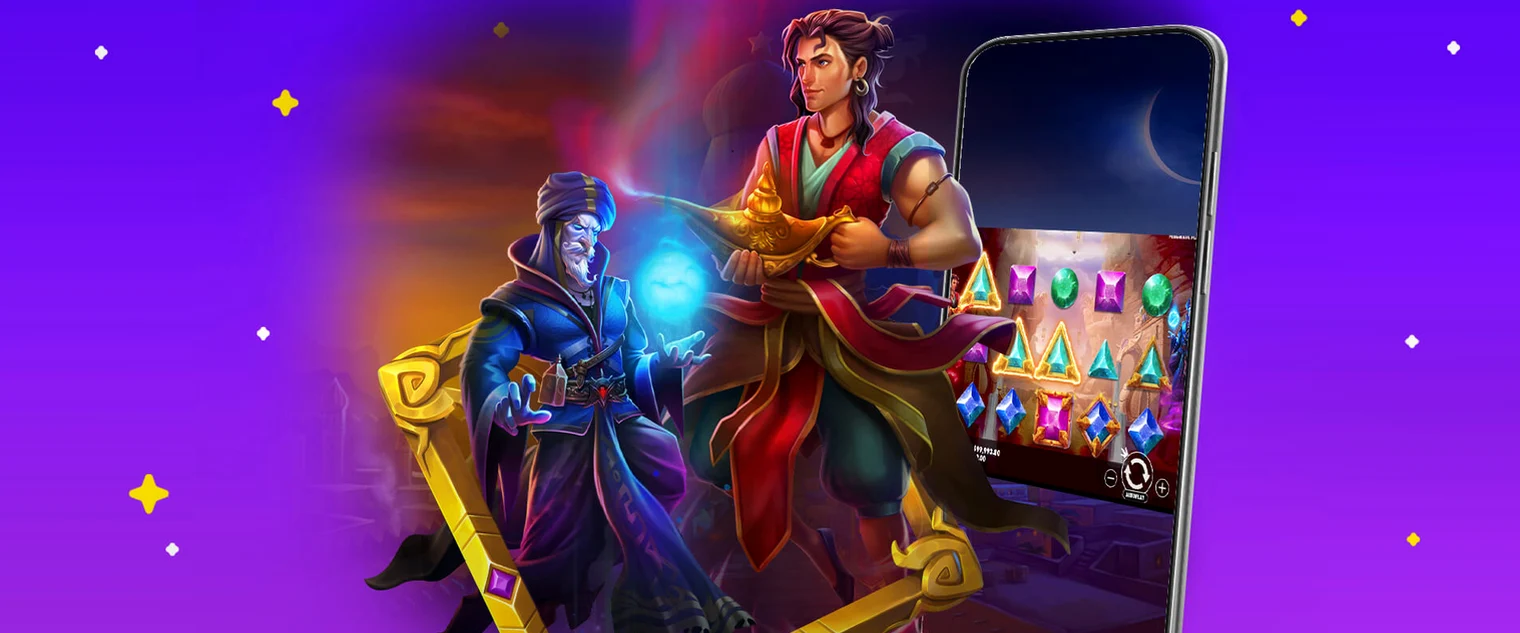
Browser Access on Mobile
LB Spins Casino operates through your mobile web browser, allowing you to play slots, live casino, and place sports bets directly without downloading or installing software. Simply visit lbspins.co.uk on your smartphone or tablet using Safari, Chrome, Firefox or any standard browser.
Mobile browser play gives you instant access to the full casino lobby and account features. Your session syncs seamlessly if you switch between devices—log into your account on mobile and continue where you left off on desktop, or vice versa.
- No app download or installation required
- Play all casino games and sports betting through your browser
- Access your account, bonuses, and payment methods
- Play demo versions of games for free
Mobile Browser Limitations
While LB Spins works well on mobile browsers, there are some practical differences from desktop play. Screen size and touch controls may affect how you navigate menus or read game paytables, though the casino optimises the layout for common phone and tablet sizes.
Mobile browsers do not have native app features like push notifications for promotions or automatic background updates. You will need to revisit the site to claim new bonuses or check tournament standings.
- Smaller screen means menus and game details may require more scrolling
- No push notifications for new promotions or results
- Touch controls instead of mouse or keyboard
- Depends on your device's browser capabilities and internet connection
Supported Mobile Platforms
LB Spins works on any smartphone or tablet running a modern operating system with a web browser. This includes iOS devices using Safari, Android phones and tablets using Chrome or other browsers, and other platforms with HTML5 browser support.
The casino recommends a stable internet connection for smooth gameplay, especially when playing live casino games or placing live sports bets where real-time updates matter.
| Platform | Browser | Support |
|---|---|---|
| iPhone / iPad | Safari, Chrome | Fully supported |
| Android phone / tablet | Chrome, Firefox, Opera | Fully supported |
| Other mobile devices | Any HTML5 browser | Supported |
How to Play on Mobile
Getting started on mobile is straightforward. Open your browser, navigate to lbspins.co.uk, log in with your credentials, and start playing. If you do not have an account yet, you can register directly on the mobile site.
- Open a web browser on your mobile device
- Go to lbspins.co.uk
- Log in with your username and password, or create a new account
- Navigate to the casino lobby, live casino, or sports betting section
- Select a game or sports market to play or place a bet
- Adjust your stake using the touch controls
- Play using the on-screen buttons
- View your balance and account history in the menu
Payment and Account Management on Mobile
All payment features work through the mobile browser. You can deposit using Visa, Mastercard or Revolut, and withdraw to the same methods. Account verification (KYC) is required before you can withdraw, and all deposits carry a 3x wagering requirement before funds become available for withdrawal.
Deposits and withdrawals follow the same terms on mobile as on desktop. Withdrawal processing typically takes 24 to 36 hours after your request is approved.
- Deposit methods: Visa, Mastercard, Revolut
- Currency: EUR
- 3x wagering requirement on all deposits
- Withdrawals processed within 24 to 36 hours
- Account verification required to withdraw
Responsible Play on Mobile
LB Spins provides account blocking tools to help you manage your play. If you need to take a break or suspect you may be developing gambling-related problems, you can set account limits or block your account through your mobile browser.
Several organisations provide free support for problem gambling. If you are concerned about your play, reach out to a responsible gambling charity for advice and help.
- Use account blocking to restrict access
- Set deposit limits to control spending
- Take self-exclusion breaks when needed
- Contact a support organisation if you are struggling
faq
Do I need to download an app to play on mobile?
No. LB Spins works entirely through your mobile web browser. There is no native app for iOS or Android—simply open your browser and visit lbspins.co.uk to start playing.
Can I play the same games on mobile as on desktop?
Yes. The casino, live casino, sports betting and all game features are available through the mobile browser. The experience is optimised for smaller screens, but all content is accessible.
Is it safe to play on mobile?
Yes, as long as you access lbspins.co.uk directly and log in with your own credentials. Avoid clicking links in unsolicited messages. Never share your username or password. Use a secure internet connection when depositing or withdrawing.
What is the minimum deposit on mobile?
Deposit amounts depend on your chosen payment method. Check the deposit section in your account or the payments page for specific limits. All deposits are subject to a 3x wagering requirement.
How long does a mobile withdrawal take?
Withdrawals typically take 24 to 36 hours from approval. KYC verification is required before your first withdrawal. Check the payments page for details on the verification process and withdrawal methods.